


 IT
#04 · Lab
okAccess
An accessibility panel in a single file of just over 10 KB, hosted on your own site: no tracking, no licence, no promise of compliance. We wrote it for our own sites and we are releasing it freely, because making a page easier to read should not depend on an obligation.
The principle
Accessibility does not wait for an obligation
According to the World Health Organization, 1.3 billion people live with a significant disability: one in six (fact sheet of 7 March 2023). The number grows as the population ages, and it does not count those who meet a temporary or situational limit: an arm in a cast, tired eyes at the end of the day, a screen read in full sunlight.
Since 28 June 2025 the European Accessibility Act has required e-commerce services, among others, to be accessible, and it exempts microenterprises that provide services: those with fewer than ten people and no more than two million euros in turnover or balance sheet total.
The threshold of a law, however, says nothing about the person on the other side of the screen. Someone who struggles to read small text struggles in the same way on the site of a multinational and on that of a three-person practice. This is why we regard accessibility as part of the craft and not as a formality: something from which nobody, today, should feel exempt, whatever the law says.
There is also a reason that concerns us closely:
Accessibility goes hand in hand with usability
We have made user experience our banner. So the conclusion, however obvious, arrives with all its force:
“A good product cannot be designed without taking into account those who read, see or move differently. Otherwise we build, from the very first day, something that excludes or hinders part of the people it was meant for.”
A page that holds up with enlarged text, stronger contrast or no animations is, in our experience, a page that is better designed for everyone.
There is still a long way to go. WebAIM’s latest survey of the one million most visited home pages in the world (2025) found automatically detectable accessibility errors in 94.8% of them.
A tool that should belong to everyone
A dropped kerb on the pavement, a ramp beside the steps, a lift in a station: nobody regards them as a service to be bought separately. They are how a space becomes usable for those who would otherwise be left outside.
We believe the same should hold on the web. Moving towards accessibility, and having the tools to do so, should not depend on a subscription: it should be a common good, within reach of anyone who builds a site.
This is where okAccess comes from: a deliberately minimal piece of development that puts a set of useful adjustments in the hands of whoever visits a page. It does not make a site compliant with any standard, and we say so at once. It is, however, a good place to start moving in that direction, also for those under no obligation at all.
The tool
Ten adjustments, one tap away
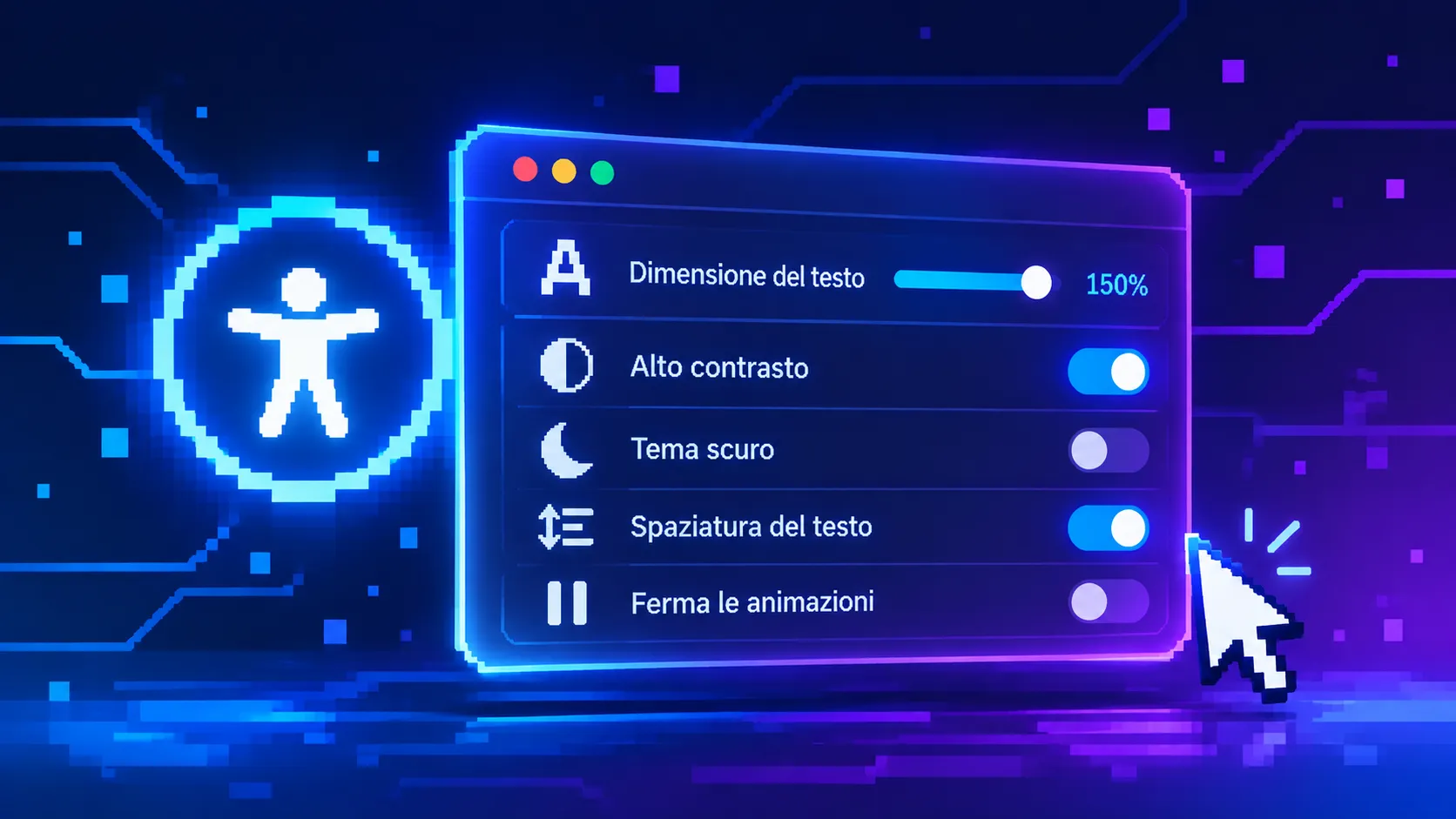
okAccess adds a small tab to the page. Those who open it find ten adjustments, each designed for a specific difficulty:
- Text size, from 100% to 200%, also on sites sized in pixels.
- Text spacing: line height and the distance between letters and words, at the values given by the WCAG guidelines (criterion 1.4.12).
- More readable font: a system typeface, with nothing to download.
- High contrast: black text on white, underlined links, visible borders on controls.
- Dark theme, with photographs and videos keeping their real colours.
- Greyscale.
- Highlighted links and buttons: everything that can be activated becomes recognisable, with a clearly visible indicator for those who navigate by keyboard.
- Stop animations, switched on by itself when the device already asks for reduced motion.
- Large cursor and reading guide, on devices with a mouse.
The choices are made once: they are stored on the device and follow the visitor from one page to the next.
A single command puts everything back as it was.
We deliberately left out text-to-speech, translation and “automatic corrections” of the page: they are functions that devices already offer, and offer better, or promises that a panel cannot keep.
The choices
One file, just over ten kilobytes
Before writing it we studied the panels on the market, downloading and reading the scripts they actually load.
- Commercial panel A ≈388 KB · several requests
- Commercial panel B ≈88 KB · 29 requests
- okAccess 1.2.0 ≈12 KB · 1 request
- About 388 KB, over several requests: one of the best known commercial panels.
- About 88 KB, spread over 29 requests: a second commercial panel.
- Just over 10 KB, in a single request: okAccess.
An accessibility panel should not weigh down the page it sets out to make easier to read.
Weight is the part that shows. The part that shows less is dependency. We found panels that query the vendor’s server on every page to verify the licence, and that do not appear when no answer comes back; panels that send the vendor their configuration and the addresses of the page’s content; panels that forget the visitor’s preferences at every page change.
okAccess does the opposite, by construction. Everything it does not do is an advantage for those who adopt it:
- No external server. It is hosted on your own site and contacts nobody else: no third-party service can slow it down, stop it or learn who visits the page.
- No tracking. No cookies, no statistics, no telemetry: the preferences stay in the browser of the person who chose them.
- No licence to verify. No account, key or subscription: there is nothing that can expire and make the panel disappear.
- No dependencies. A single file, with no libraries and no build step: what you load is what you can read.
- No lock-in. One line to install it; remove that line and it is gone, leaving nothing behind.
The limits
What a panel cannot do
A panel adjusts how a page looks. It cannot add alternative text to an image that has none, give a label to a field that lacks one, or make a carelessly built menu reachable by keyboard. Compliance with the standards, WCAG and EN 301 549 included, is built into the code of the page, and no component added afterwards can replace it.
This is not our opinion. In May 2023 the European Disability Forum and the International Association of Accessibility Professionals (IAAP) jointly stated that overlays do not make a website accessible or compliant with European legislation, and that they are not an acceptable alternative to fixing the website. In April 2025 the US Federal Trade Commission ordered the maker of one such panel to pay one million dollars for having claimed that its product made websites compliant.
The same statement observes that many of these adjustments already exist in browsers and operating systems. That is true, and we do not hide it: those who use a screen reader or system zoom every day do not need us. okAccess serves those who do not know those settings or have never looked for them, and who find them there, on the page.
This is why okAccess does not rewrite the page’s code, does not claim to “fix” it automatically and does not try to detect assistive technologies. It is extra help on a site that is being built properly, never a substitute for that work.
Under the hood
How it is built
A few technical choices, for those who want to know what they are loading:
- The panel lives in a Shadow DOM: the site’s styles do not break it, and its own do not touch the layout.
- The adjustments are CSS rules switched on by an attribute on the page, so they also apply to content loaded later. While no option is on, nothing runs.
- The script loads asynchronously and does not delay the page; the panel is built only when someone opens it.
- It can be used entirely by keyboard, manages focus and exposes its state to assistive technologies.
- It speaks five languages: Italian, English, French, German, Spanish.
- Usage can be measured, but by the site that hosts it, with its own tools: the panel emits two events and sends nothing to anyone.
The release
Free, for anyone
okAccess is in production on the okTicket online box offices and on this site: it is the tab at the bottom right of this page.
We are releasing it under the MIT licence, for personal and commercial sites, in two forms: a script that is added to any site with one line, and a WordPress plugin. Code, instructions and options are in the public repository.
It is a young tool, only just born. We expect to improve it one step at a time, also thanks to the contributions of those who decide to adopt it: reports, fixes and proposals are welcome in the repository.