

 IT
IT #02 · Lab
Backdrop Factory
In our line of work, a backdrop is something we need all the time: for a section of a site, or for any other surface. So we built a lab to try them all: colour, effects, images, animations, combined live.
The problem
The search for harmony
A site is not read one section at a time: it is scrolled. And while scrolling, what orients the reader is the contrast between one section and the next: a change of ground that says «here another subject begins» before any title does. How rich or how bare each single backdrop is does not matter: a project can be all intense, all essential, or mix the two. What matters is that the jump from one section to the next is the right one, and that the reader tells them apart effortlessly while scrolling.
A backdrop, though, is the sum of several factors: a colour, an image, an effect, a movement, and every combination changes its character. The possible variants are practically endless, and trying them in the code, one at a time, reloading each time, is the slowest way there is. We needed a tool to try many of them quickly, without touching the code. The Backdrop Factory was born from that need.
The elements
The art of combination
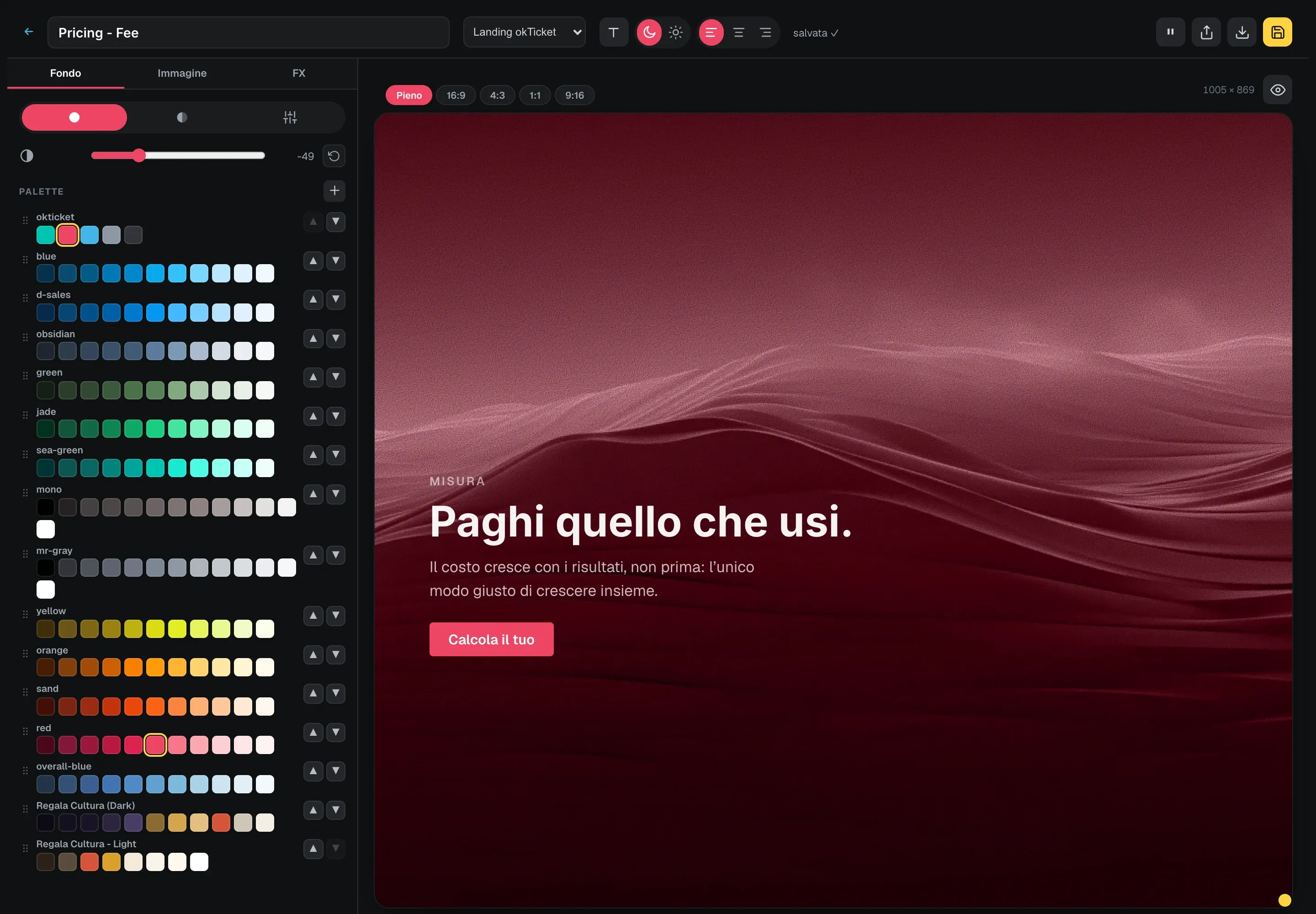
The Backdrop Factory puts the elements of a backdrop on a live stage and lets them combine one over the other:
- the ground, a solid colour, a gradient or a hand-picked tint, with a tone to darken or lighten;
- the image, with opacity, a transparency window, a focal point, slow zoom and slow rotation;
- the pattern, one or more stackable effects picked from a catalogue of effects and overlays, each with its own parameters;
- the content, an eyebrow, a title, a text and a trial button, on dark or on light, to check that what sits underneath does not swallow them.
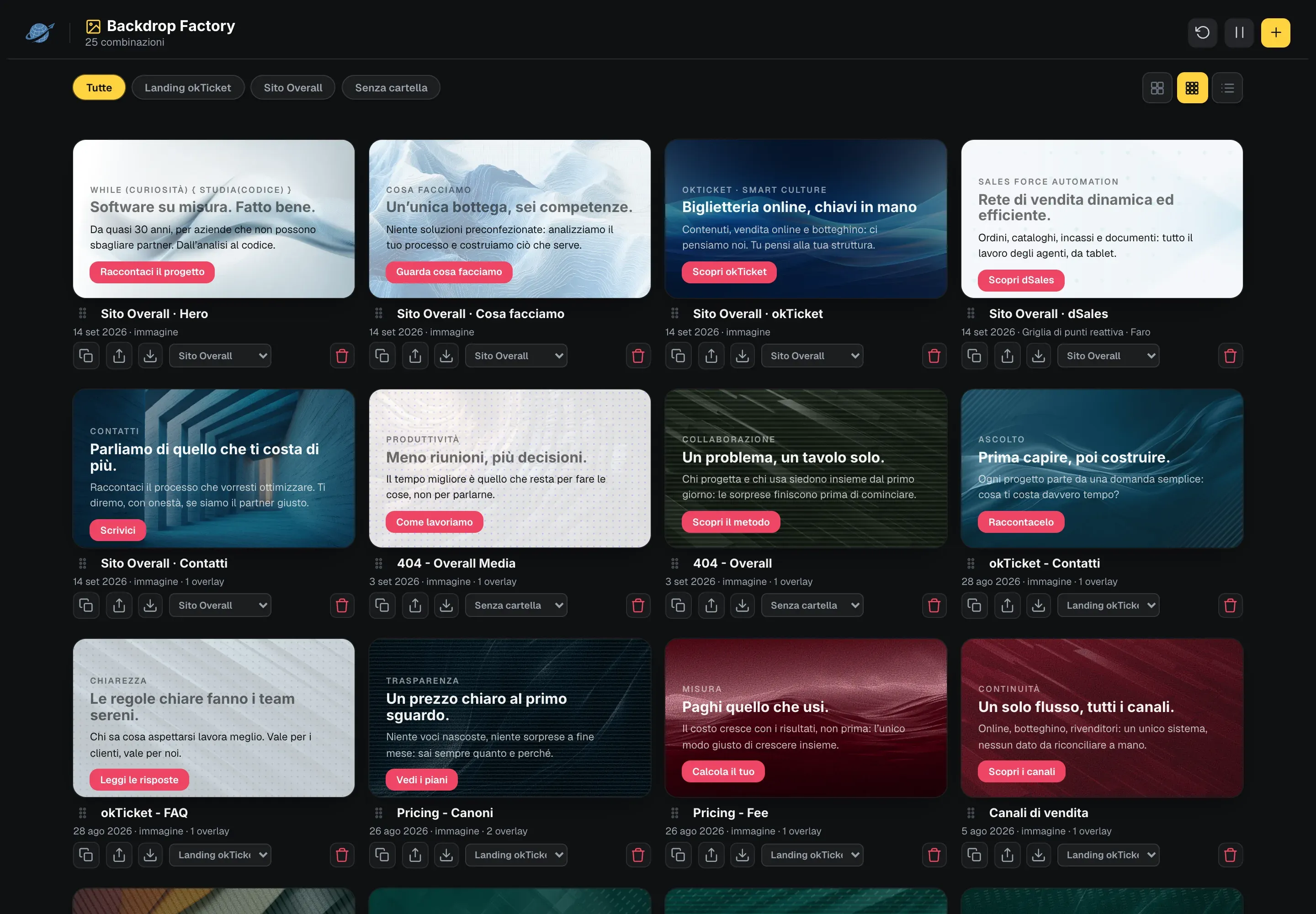
Every element changes the others, and every touch shows at once. When the combination convinces, it is saved under a name and lands in the showcase, where it is reordered, duplicated and grouped into folders. From there it is reopened, edited and exported.
In the workshop
Born for our own sites
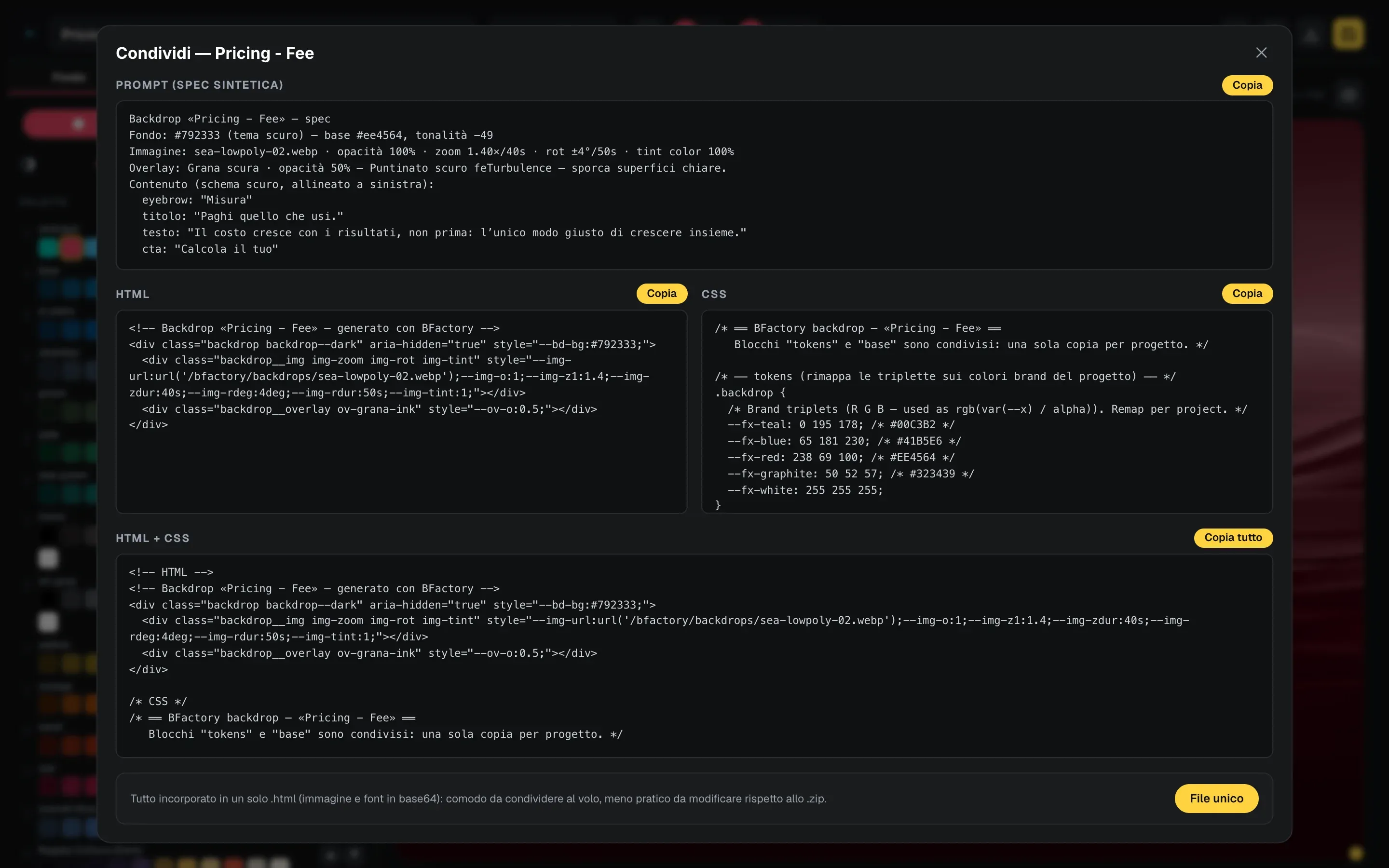
The tool was born in-house, out of a concrete need: the group’s sites share one library of effects, and we needed a place to compose them and a way to carry them into projects without rewriting them. Preview and export read the same source: the CSS and JavaScript you see on the stage are exactly what gets extracted, so the result pasted into a site cannot drift from the one tried here.
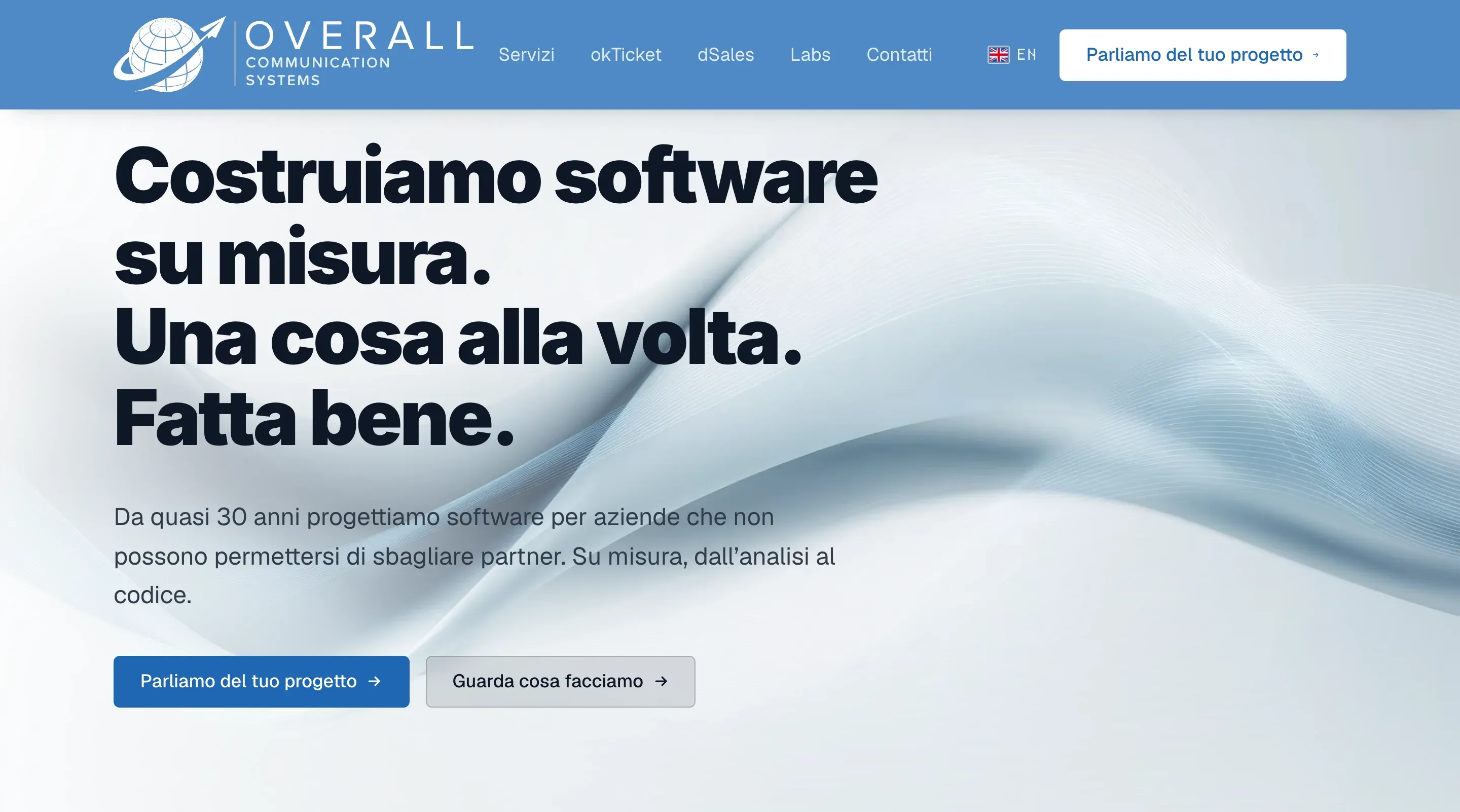
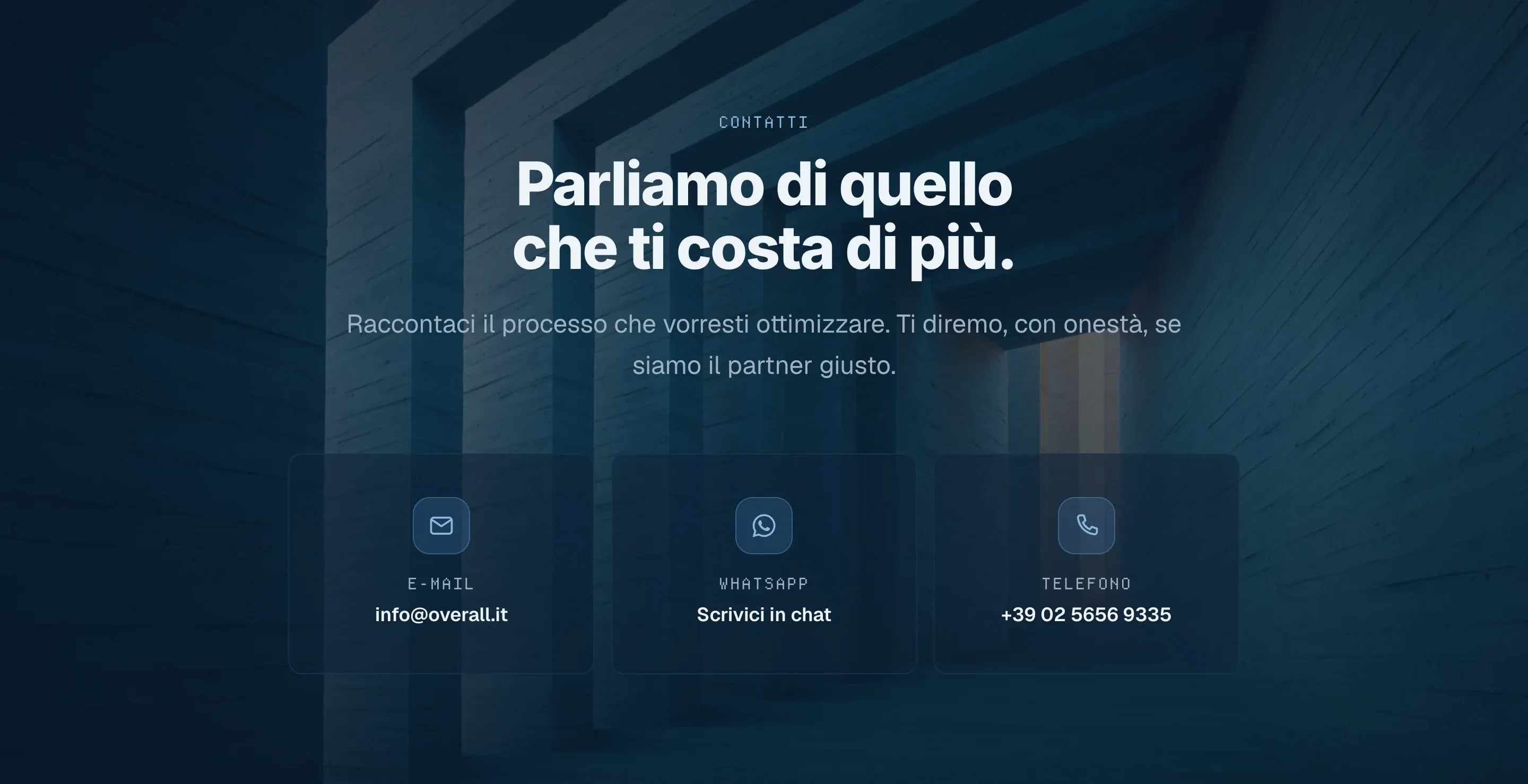
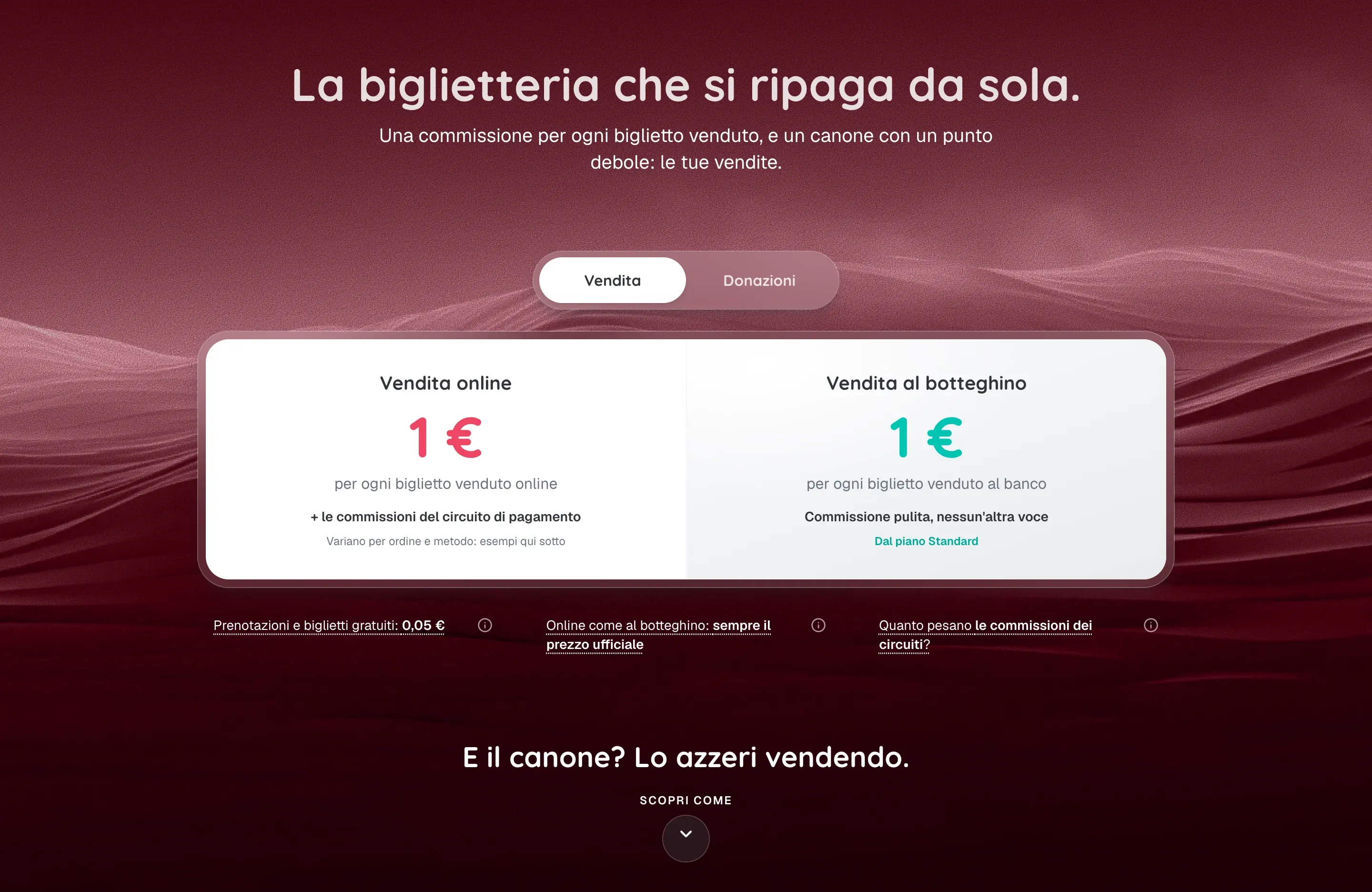
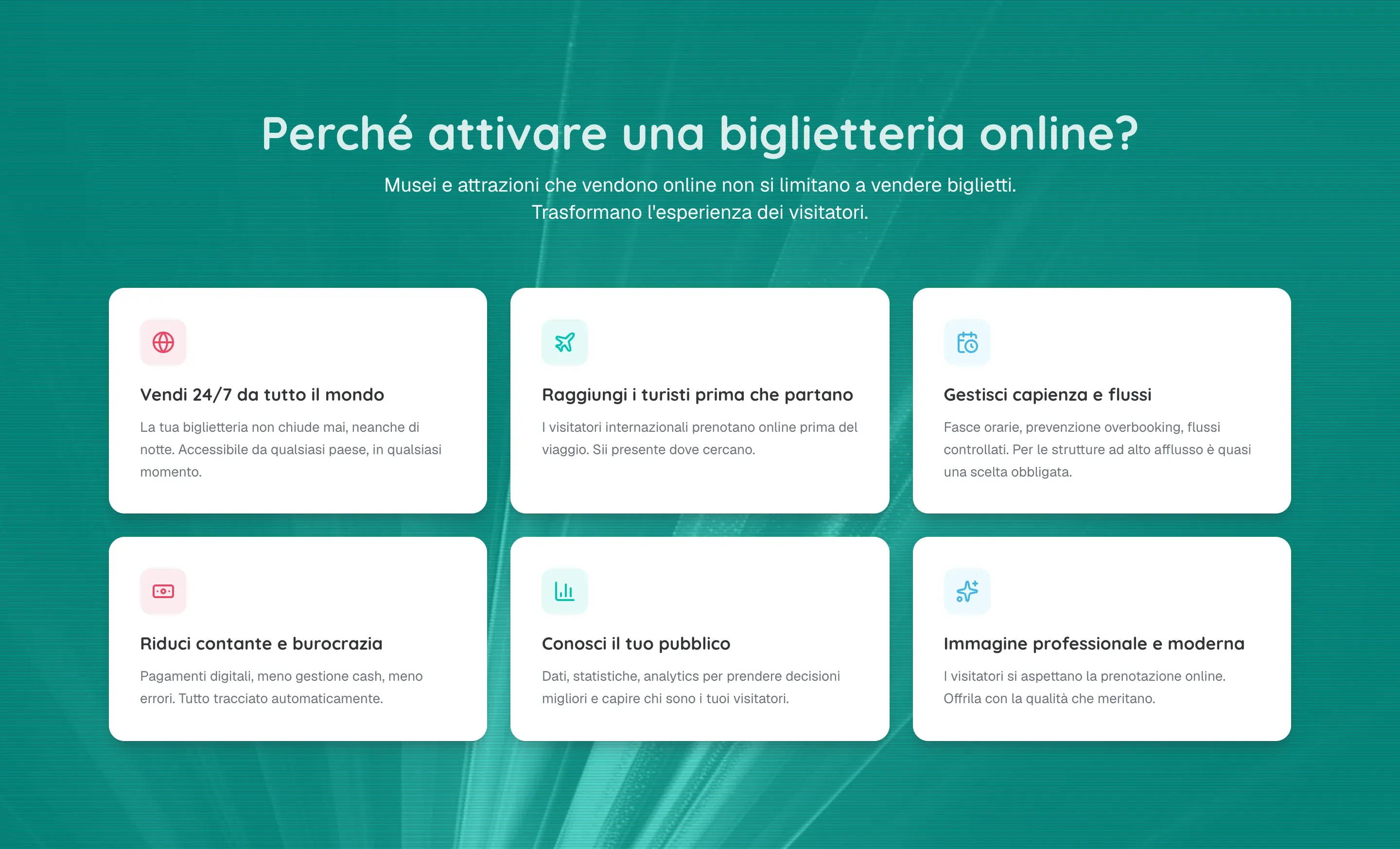
Four sections of our sites with a backdrop composed in the Factory: the home and the contacts of overall.it, the prices and the advantages of the okTicket landing.
What you can do
What you find here
This is the same machine, with one declared compromise: in the in-house version combinations are
saved to files, here they are saved in your browser. Everything you compose, reorder or
delete stays in the device’s localStorage and never leaves your computer. There is no sign-up
and no server of ours behind it.
The library comes preloaded with dozens of images and with the combinations we actually use, so you start from something made rather than from an empty stage. The images are a fixed set, you cannot upload your own. Everything else works: palettes are created, the effects catalogue is reorganised.
On export and sharing, instead, no limit: they are the same functions as the in-house version. The export produces HTML, CSS and, when needed, JavaScript, ready to paste and free of any framework. Alternatively you download a single file with everything embedded, handy to pass on to someone, or a zip with the image included that opens with a double click. This site’s error page was composed this way.